How to Share One Video to TikTok, Reels, and Shorts in 60 Seconds
Why upload the same video separately to TikTok, Instagram Reels and YouTube Shorts? Discover how multi-platform scheduling helps creators, businesses and social media managers save time and manage their content with PostSpread.
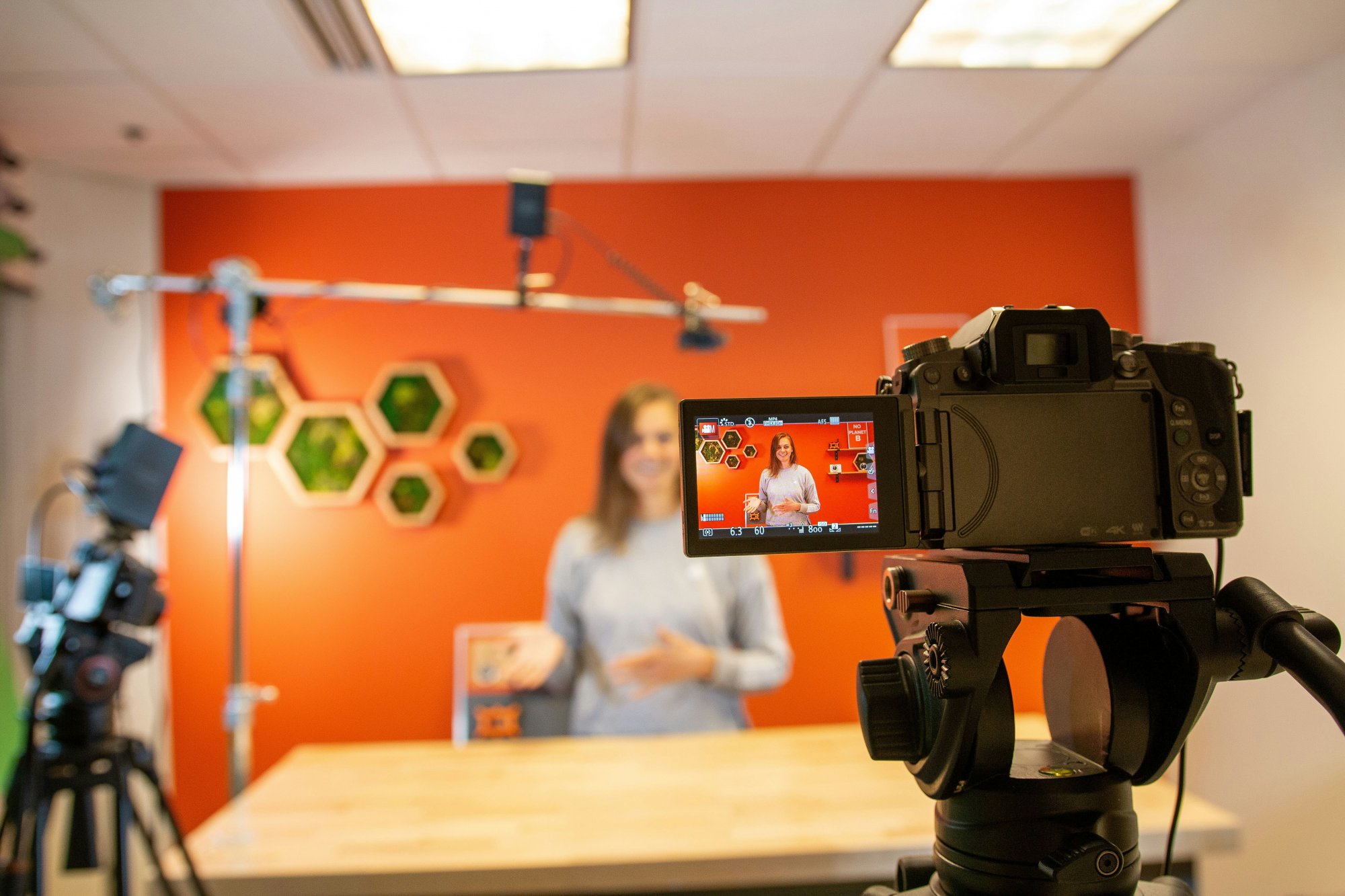
You own a grocery store in Houston, Texas. You have just recorded a short video showing customers your latest grocery arrivals, fresh produce and weekend discounts.
You want people to see the video on TikTok, Instagram Reels and YouTube Shorts.
But there is a problem. Or rather, not exactly a problem, but a Herculean task, arghh! Because you’ve to open each platform, upload the video, write captions, adjust the content and publish separately, while attending to customers.
You're not alone…
Kate is a social media manager handling three(3) different clients. One client owns a grocery store in Houston, another runs a beauty brand in Toronto, while a third operates a fitness business in London. Each client expects consistent content across their social media pages and managing these uploads manually is quite exhausting for her.
What will she do? What should you do?
This is where multi-platform video scheduling becomes useful.
Instead of repeating the same process on different platforms, you can prepare one video, select your preferred social media channels and manage the publishing process from one dashboard.
In this guide, we'll explore how to share one video to TikTok, Instagram Reels and YouTube Shorts in 60 seconds, how automatic video formatting works and how tools like PostSpread can simplify your social media workflow.
Encouraging right? O yeah!
Why Share One Video Across TikTok, Instagram Reels and YouTube Shorts?
Short-form videos have become an important part of digital marketing. Businesses use them to introduce products, demonstrate services, educate customers and build relationships with their audiences.
However, creating content for multiple platforms doesn't mean you have to produce an entirely different video for each one.
You want to promote your grocery store in Houston and get more customers. You record a 30-second video showing fresh vegetables, fruits, groceries and special offers.
That same video can be shared across: TikTok: To reach people discovering local businesses and shopping-related content.
Instagram Reels: To engage existing followers and attract potential customers.
YouTube Shorts: To reach viewers searching for grocery tips, shopping ideas and product recommendations.
One video, three publishing opportunities.
Here are other reasons to consider cross-platform video publishing:
-
Reach Different Audiences Not everyone uses the same social media platforms. Some people spend more time on TikTok, while others prefer Instagram orYouTube Publishing across multiple channels gives your content more opportunities to reach different audiences.
-
Save Time on Content Distribution Creating a video takes effort. Repeating the upload process three or four times adds another task to your schedule. Multi-platform scheduling reduces this repetitive work and gives you more time to focus on content creation and business activities.
-
Maintain Consistent Online Visibility For businesses, consistency is key. A beauty brand in Toronto, for example, may want to share product demonstrations, customer testimonials and skincare tips throughout the week. Scheduling helps the business maintain an organized publishing routine.
-
Get More Value From Existing Content You don't always need a new idea for every social media platform. A tutorial, product demonstration, customer review or behind-the-scenes video can often be repurposed across several channels.
What Is Multi-Platform Video Scheduling?
Multi-platform video scheduling is the process of preparing and scheduling video content for publication across different social media platforms from one central dashboard. Rather than opening TikTok, Instagram and YouTube separately, you can use a social media scheduling tool to manage your publishing activities.
For example, a social media manager working with a restaurant in New York can prepare a video showcasing the restaurant's new menu.The manager can select the restaurant's connected TikTok, Instagram and YouTube accounts, prepare the captions and schedule the content.
The same approach works for:
- Grocery stores promoting weekly discounts.
- Real estate agencies showcasing available properties.
- Fitness coaches sharing workout demonstrations.
- Beauty brands introducing new products.
- Restaurants publishing food preparation videos.
- Online stores highlighting new arrivals.
The goal is to simplify content distribution without sacrificing the quality of your social media presence.
Understanding Video Format Requirements for TikTok, Reels and Shorts One challenge with publishing across multiple platforms is ensuring that your videos meet the technical requirements of each destination.
Although TikTok, Instagram Reels and YouTube Shorts support vertical videos, their publishing specifications and presentation requirements are not identical.
A 9:16 vertical video with a resolution of 1080 × 1920 pixels is a practical starting point for short-form content. Here are some important considerations:
Other considerations include: Video resolution: Use clear, high-quality footage to give viewers a better viewing experience.
Video duration: Consider the duration limits of each platform. YouTube Shorts supports videos up to three minutes.
File format: MP4 is a practical format for short-form video distribution.
Text placement: Keep important information within the central viewing area so that platform interface elements do not cover your captions or graphics.
Audio: Ensure that your audio is licensed for use across all the platforms where you intend to publish.
This is where automatic media formatting can help. Rather than manually adjusting every file, a scheduling tool with media transformation capabilities can help prepare your content for supported platform specifications.
How PostSpread Simplifies Multi-Platform Video Scheduling
Managing several social media accounts can become complicated, particularly when you are responsible for content creation, publishing, engagement and performance reporting.
PostSpread provides a centralized social media management and scheduling platform that helps users organise their publishing activities. Instead of switching between multiple social media applications, you can manage your connected channels from one dashboard.
Here are some useful capabilities:
1. Publish Across Multiple Social Media Platforms Suppose you manage a grocery business in Houston. You have recorded a video announcing a weekend grocery sale and want to share it on TikTok, Instagram and YouTube.
With PostSpread, you can connect your social media accounts, upload your video and select the channels where you want it published. This reduces the need to repeat the entire publishing process on every platform.
2. Automatic Video Formatting Different social media platforms have different technical requirements.
PostSpread helps transform videos and photos to match the technical specifications of supported platforms. This is particularly useful for social media managers and businesses distributing content across several channels. You can spend less time manually adjusting media files and more time focusing on your content strategy.
3. Manage Multiple Client Pages Let's consider another example. You are a freelance social media manager based in Manchester, UK. You currently manage the social media accounts of four clients:
- A grocery store.
- A beauty and skincare business.
- A real estate agency.
- A fitness coach.
Each client has different content requirements, publishing schedules and target audiences. The grocery store needs product promotions, the beauty business needs tutorials, the real estate agency needs property videos, and the fitness coach needs workout demonstrations.
Managing all these activities manually can become overwhelming. However, a centralized scheduling platform like PostSpread helps you organize content publishing across your connected accounts without constantly switching between applications. This gives you more time to work on content calendars, client communication, engagement and campaign planning.
4. Review Content Before Publishing Publishing the wrong video, caption or media format can affect how your content appears. PostSpread provides content previews so you can review your posts before scheduling or publishing. This is useful when managing several client pages because you want to ensure that the correct content goes to the correct account.
5. Track Social Media Performance With Analytics_ Publishing content is only one part of social media management. You also need to understand whether your content is achieving its intended results.
For example, a Houston grocery store may want to know whether its product demonstration videos attract more engagement than its weekly discount announcements.
A social media manager may want to compare the performance of a client's Instagram Reels against their TikTok videos. Analytics can help answer questions such as:
- Which posts receive the most engagement?
- Which videos attract more views?
- Which platforms generate better results?
- What type of content should we create more frequently?
- Is the client's social media performance improving?, etc
PostSpread'sanalytics capabilities help users monitor available social media performance data and make more informed content decisions. Instead of publishing content without reviewing the results, you can use performance insights to improve your future strategy.
How to Share One Video to TikTok, Reels and Shorts Using PostSpread in 60 Seconds
If your social media accounts are already connected and your video is ready, preparing a multi-platform post can be a quick process.
Follow these steps:
Step 1: Visit PostSpread Go to postspread.com and sign in to your account.
Step 2: Connect Your Social Media Accounts Connect the TikTok, Instagram and YouTube accounts you want to manage.
Step 3: Upload Your Video Open the publishing editor and upload your prepared video.
Step 4: Select Your Publishing channels Choose the connected TikTok, Instagram and YouTube accounts where you want the video to appear.
Step 5: Add Your Caption and Review *Write your caption, check your content previews and review the selected channels.
Step 6: Publish or Schedule Choose whether to post immediately or schedule your video for a preferred date and time. That's it! You have prepared one video for multiple social media platforms without manually repeating the entire upload process.
Note: Sixty seconds is a target for an already-prepared workflow, not a guaranteed completion time. Account connections, video uploads, editing and platform authorization can take additional time.
Best Practices for Sharing Videos Across Multiple Platforms
Cross-posting saves time, but your content strategy should still consider the differences between social media platforms.
Here are five practices worth following:
-
Start With a High-Quality Original Video Use a clean video without another platform's watermark. This gives you a better starting point for publishing across different channels.
-
Adapt Your Captions You can reuse the main message, but consider adjusting the caption to suit each platform. For example, a grocery store might use a conversational caption on TikTok while using a more descriptive caption on YouTube Shorts.
-
Pay Attention to Video Placement Keep important text, subtitles and logos away from areas covered by platform interface elements.
-
Monitor Your Analytics Don't just publish and forget. Review your performance metrics to understand what your audience responds to. If product demonstrations consistently receive more engagement than promotional announcements, that insight can influence your next content calendar.
-
Maintain a Content Calendar A content calendar helps you organize what to publish, where to publish it and when to publish it. This is particularly important for social media managers handling multiple client accounts.
Who Can Benefit From Multi-Platform Video Scheduling?
Multi-platform video scheduling is useful for more than just content creators. See others: Content Creators: Creators can distribute educational videos, entertainment, lifestyle content and personal brand videos across different platforms.
Small Business Owners: A grocery store in Houston can share product demonstrations, new arrivals, recipes and weekly discounts across TikTok, Instagram and YouTube.
Social Media Managers: Managers responsible for multiple client pages can organize publishing schedules, review content, monitor analytics and coordinate social media activities from one central workspace.
Freelancers: Freelancers managing social media for different businesses can reduce repetitive publishing tasks and dedicate more time to client strategy.
Marketing Agencies: Agencies managing several brands can benefit from having an organized content publishing workflow across multiple accounts.
Growing Brands: Businesses in the US, UK, Canada, Australia and beyond, can use cross-platform publishing to maintain a consistent digital presence and reach different audiences.
Finally, Spend Less Time Uploading and More Time Growing Your Audience Creating videos is only one part of building a successful social media presence. You also need to plan your content, distribute it across relevant channels, engage with your audience and monitor performance.
Whether you are a grocery store owner in Houston, a fitness coach in Toronto or a social media manager handling multiple client pages, repeating the same publishing process across different platforms can take valuable time.
Multi-platform video scheduling helps simplify that process.
With PostSpread, you can manage your connected social media channels, schedule content, benefit from automatic media formatting and monitor available performance analytics. Instead of spending unnecessary time on repetitive uploads, you can focus on creating better content and making informed decisions about your social media strategy.
Ready to simplify your social media scheduling and postings?
Visit PostSpread to explore its social media scheduling and other interesting capabilities.